App Store
An easy place to start
Download Reading100 from the App Store and get a feel for the app.
Download on the App Store
Keep your favorite stories close. Read manga and webtoons with a personal library and a reading experience that fits you.
An easy start on the App Store. More features on TestFlight.
Android is coming soon.
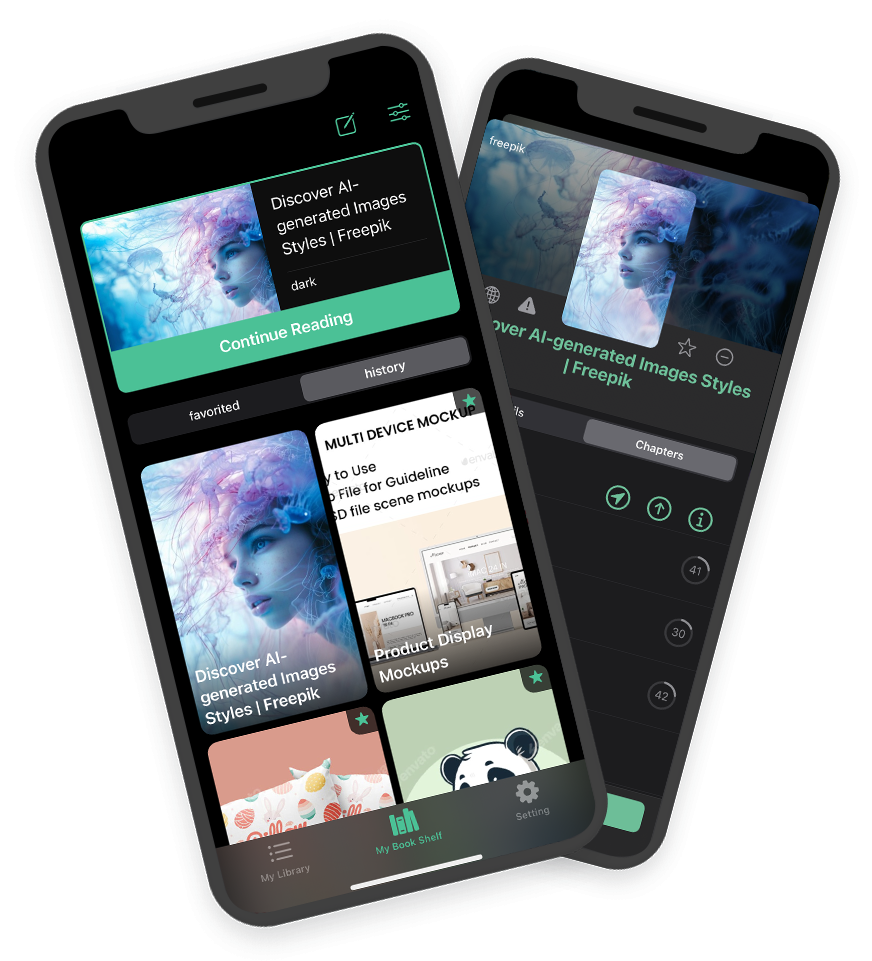
New to Reading100? Start with the App Store version. Want to explore more? Try the TestFlight version.
An easy place to start
Download Reading100 from the App Store and get a feel for the app.
Download on the App StoreMore to explore
Discover more features in the TestFlight version of Reading100.
Get it on TestFlightOpen the invite and follow the steps in Apple's TestFlight app.
Coming soon
Reading100 for Android is on the way. Join our community for updates.
Follow updates on DiscordYour favorite manga, a library that feels like yours, and the little details that make reading more enjoyable.
Bring manga and webtoons from supported websites into Reading100, with chapters organized for easy reading.
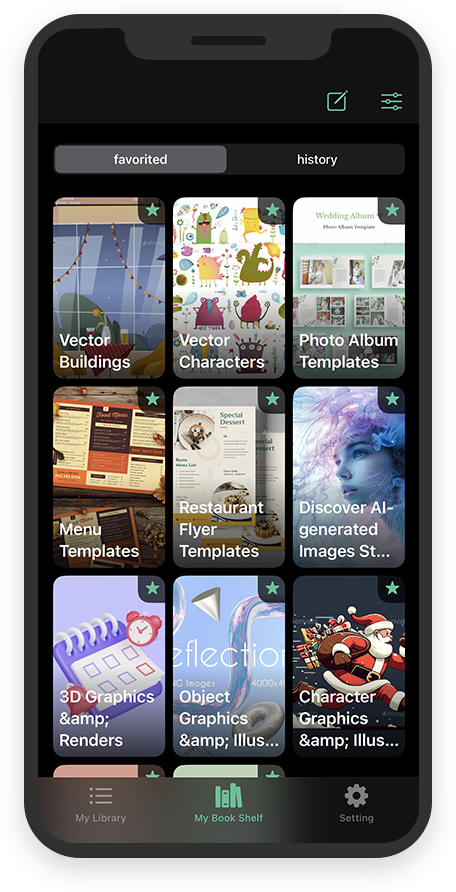
Keep favorite series and reading history together, so your next story is always easy to find.
When a user opens the app, it automatically checks all the books in the user's favorites list and displays the number of new, unread chapters available for each book.
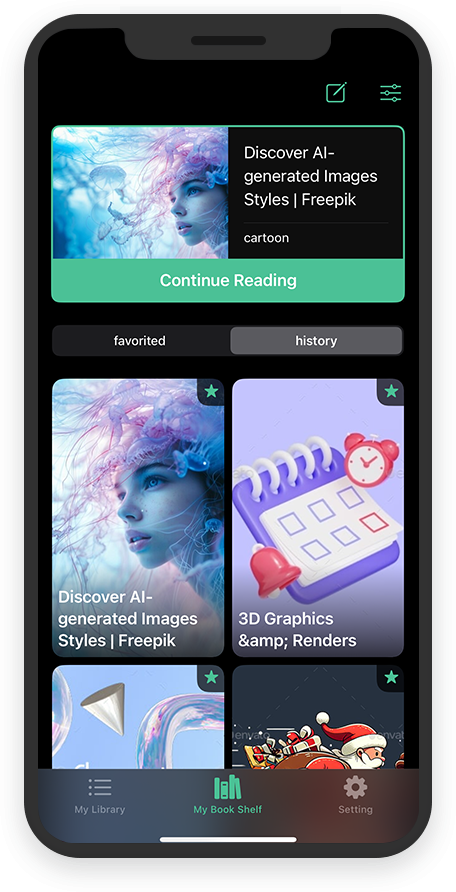
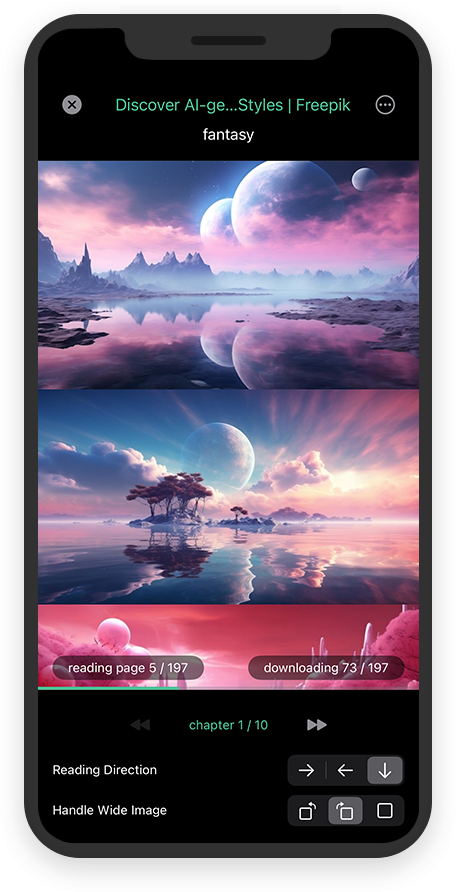
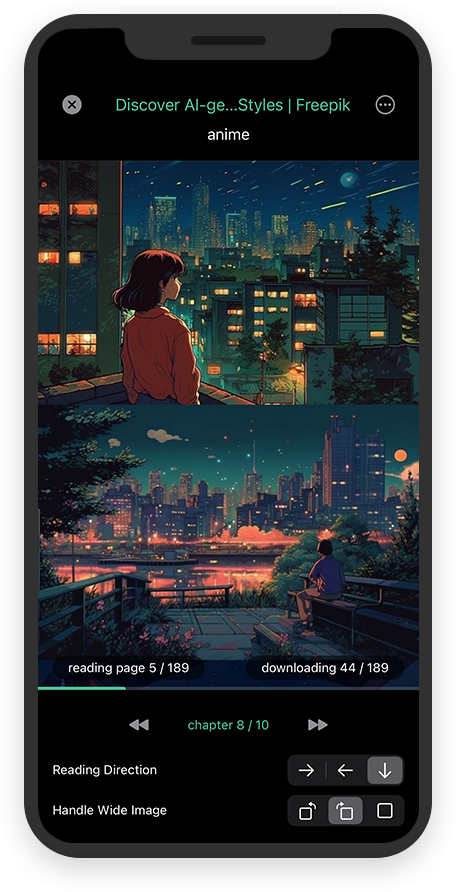
The app supports both vertical and horizontal reading modes and automatically prefetches the next chapter, allowing users to continue reading without interruption.
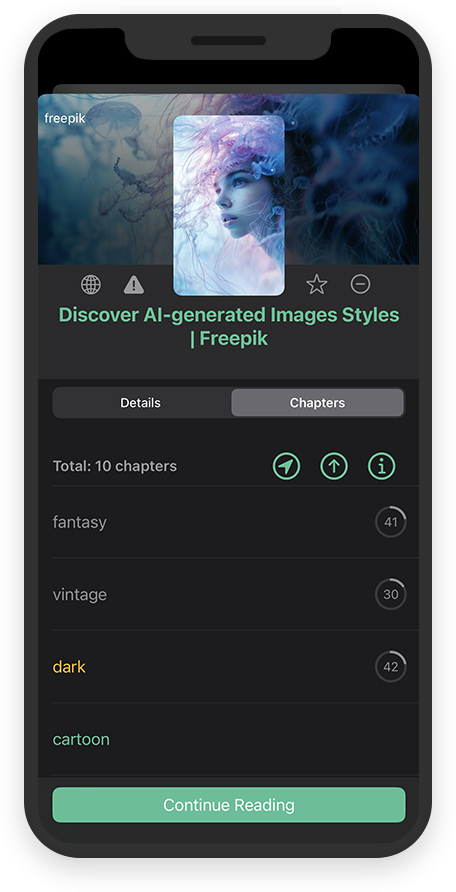
Users can easily check their reading progress and continue where they left off.
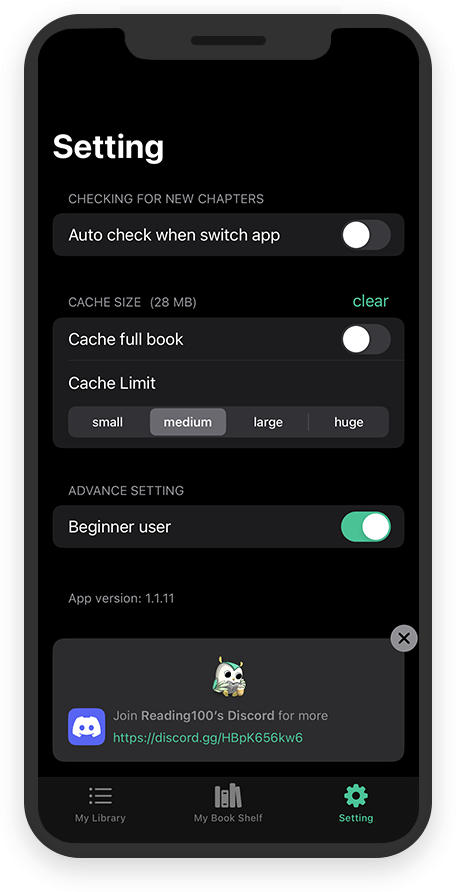
While reading, the app can automatically cache all remaining chapters, allowing you to continue reading them later without the internet. (This feature needs to be activated in the settings)
Reading100 has a simple, fresh, and easy-to-use interface that makes users feel comfortable and relaxed while using the app, enhancing their overall reading experience.
Join the Reading100 community on Discord for help getting started, app updates, and conversations with fellow manga readers.